

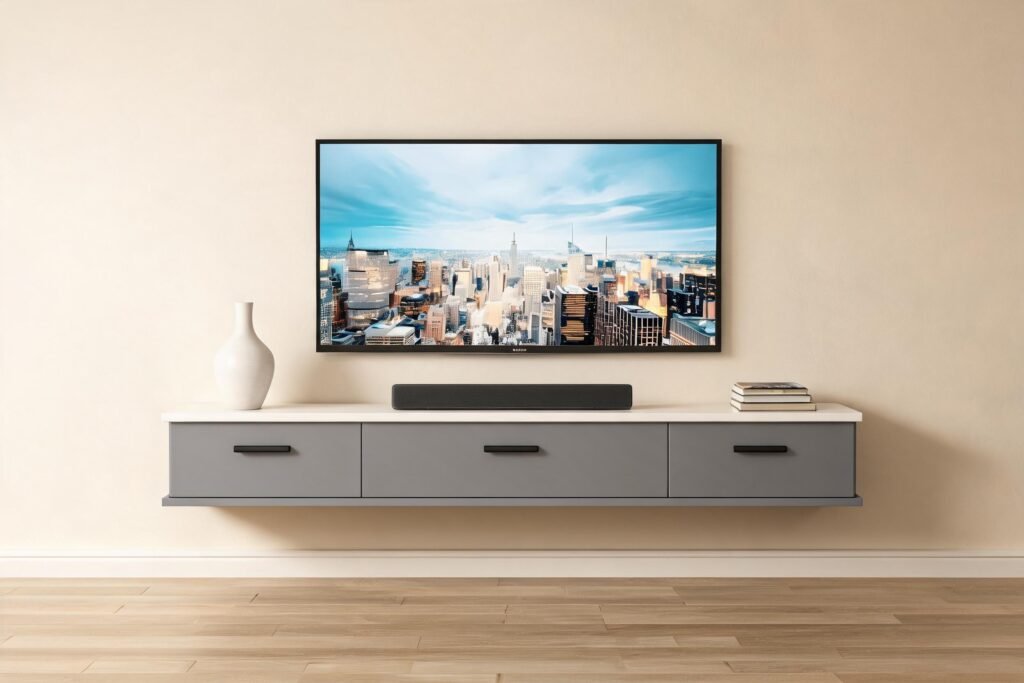
How to Hide TV Cables: 7 Proven Fixes
I have mounted four televisions in three rented flats and one house I actually own, and the cables were always the part that ruined the wall. The screen looks sharp for about a week. Then the HDMI lead, the power cable and the soundbar wire start drifting sideways, and the whole wall reads as temporary again. How to hide TV cables comes down to two decisions: which path the cable takes, and whether the wall is yours to cut into.
How to Hide TV Cables: The Short Answer
Run every cable behind the wall or inside the furniture, then bring a single lead down to the nearest outlet. In a rental, use a surface raceway or a floating media console with a built-in cable grommet. If you own the wall, an in-wall kit costs $40 to $80 and disappears completely.
That is the short version of how to hide TV cables, and it is what I tell friends before they start shopping for gadgets.
That is the whole method in three sentences, and it is the version I would give a friend over the phone. The rest of this post is the part nobody tells you first: which of those paths actually suits your wall, your lease and your patience. I have tried nearly every trick for how to hide TV cables over the years, and the ones that stick are the boring ones.
Which cable-hiding method fits your wall?
Four routes cover almost every home. I have used all four, in this order, because I kept moving into places with worse walls each time.
| Method | Typical cost | Skill needed | Rental safe | Best for |
|---|---|---|---|---|
| Surface raceway (trunking) | $15 to $40 | Low, scissors and a level | Yes, adhesive or two screws | Rentals, brick and concrete |
| Floating console with a cable grommet | Comes with the furniture | Low, two wall anchors | Yes | Wall-mounted TVs, small rooms |
| Recessed in-wall kit with wall plates | $40 to $80 | Medium, one drywall cut | No | Owned homes, invisible finish |
| Fishing cables behind existing wall with a repair plate | $20 to $60 | Medium to high | No | Long horizontal runs |
Whatever route you choose, the logic behind how to hide TV cables never really changes: one lead visible on its way to the outlet, everything else out of sight. Before I buy anything, I decide which of the six fixes below will do the work. And the first thing I check is not the wall. It is the outlet position. If the outlet sits directly below the TV, one vertical run hides everything in a single pass. If the outlet is two metres to the left, you either extend the run sideways and live with it, or you commit to a longer horizontal raceway. Plenty of people blame their wall for a cable problem that is really an outlet problem.
None of these four routes is wrong, and none of them is the only answer to how to hide TV cables. The wall decides which one is available to you. There is a second detail worth knowing. Audio and video cables do not enjoy being bundled tight against a power lead for their entire run, and no cable enjoys being coiled into a tight ball behind a warm receiver. Keep the power lead a few centimetres away where the wall allows it, and leave signal cables in loose loops rather than knots. Wikipedia on cable management covers the engineering side if you want the longer version.
How to hide TV cables without cutting the wall
Skip the knife and pick one of three reversible routes: a self-adhesive raceway painted the same colour as the wall, a wall-mounted console that swallows the slack, or a slim vertical cover run behind a floor-standing unit. All three come out again with a little heat and patience, which matters when the lease says no holes larger than a picture hook.
I started with the cheapest option and stayed there for years. A 1.2 m length of rigid trunking costs about the price of two coffees. The trick is painting it. Off-white plastic sleeves look cheap because they are. A small tin of paint matched to your wall makes the sleeve read as a shadow line instead of a cable cover, and nobody notices it afterwards.
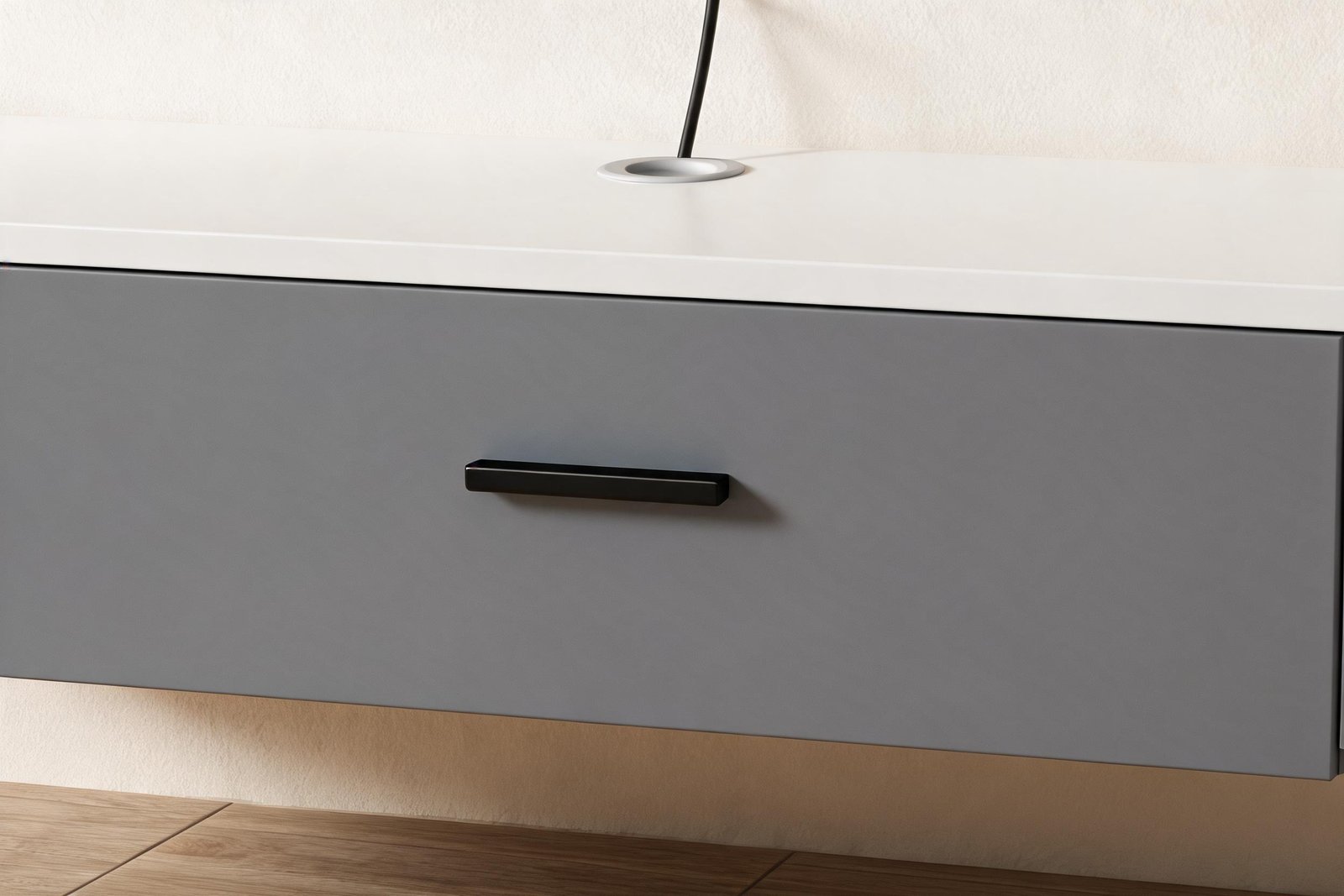
The console route is the tidier one. It is the answer I give most often when somebody asks how to hide tv cables without cutting wall in a flat they do not own, and it works because of a detail most buyers ignore until they install the thing: a round cut-out in the top panel with a plastic collar around it. The TV power lead, the HDMI and the soundbar cable drop through that single hole, run inside the closed compartment, and only one lead leaves toward the wall outlet. No cutting, no fishing, no repair patch when you move out.
One caveat I learned the hard way. Do not run a standard extension cord through a wall cavity. In-wall runs need a listed in-wall rated cable or a proper recessed outlet kit, and the safety guidance from the U.S. Consumer Product Safety Commission on electrical products is worth ten minutes before you start drilling.
TV stand cable management ideas that hold up after a year
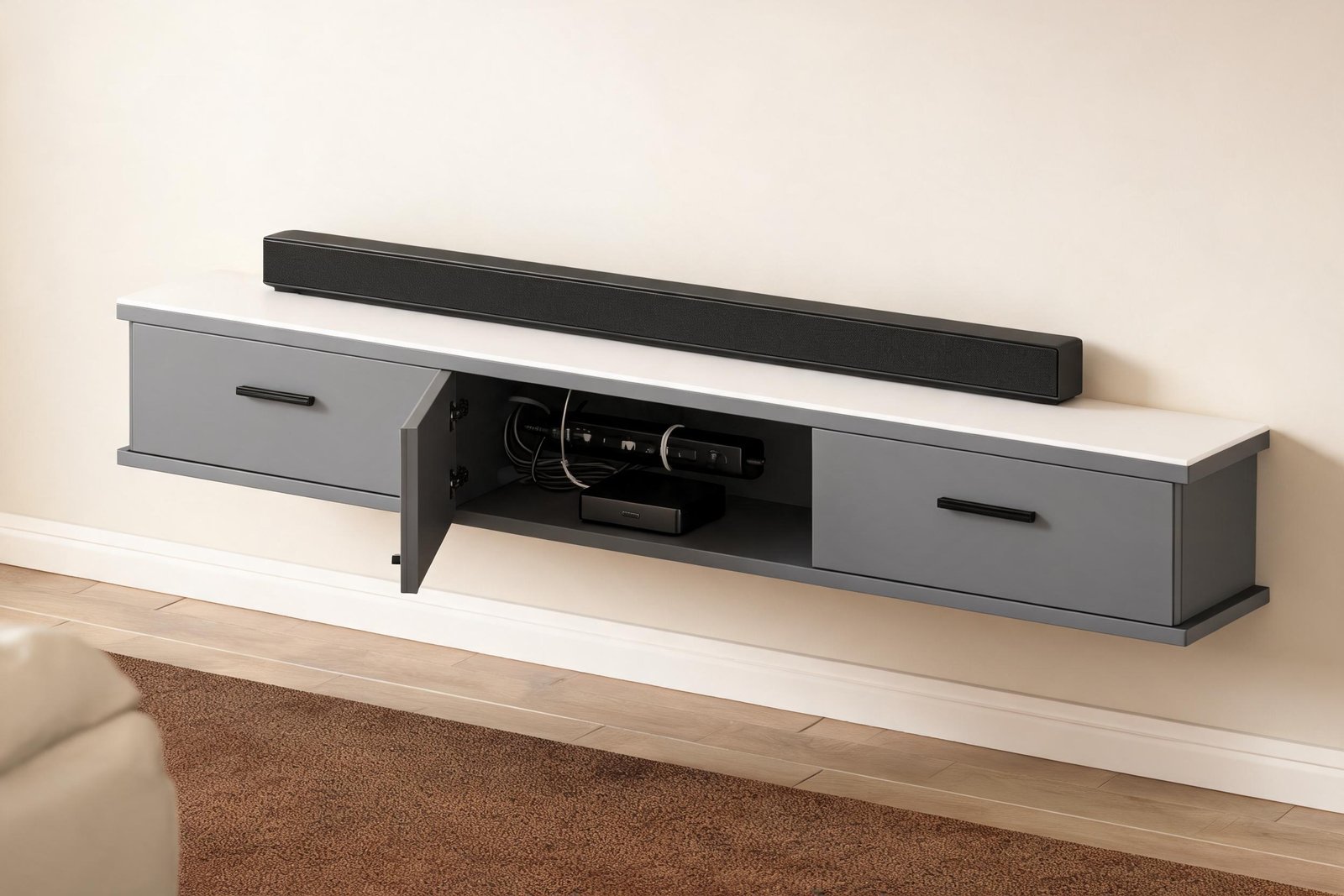
Cable management ideas are easy to write and hard to live with, because most of them assume you will never change a device again. Mine survive the test of swapping a streaming box every few months. These are the six tv stand cable management ideas that stayed in place, and they are the same six that turned how to hide tv cables from a yearly project into a one-off afternoon.
- Mount the power strip inside the unit, not behind it. Behind means you must pull furniture away from the wall to reach it. Inside means one flap door, five seconds.
- Velcro ties, never zip ties. A zip tie is a decision. Velcro is a question you can ask again in March.
- Label both ends with tape and a marker. You will not remember which black lead was the soundbar in eleven months. Neither will I.
- Leave one service loop of 20 cm. Not so much that it coils, just enough to slide a console forward without unplugging everything behind it.
- Give the router and the console room to breathe. Door-front cabinets with no rear ventilation turn a warm summer evening into a throttled streaming box.
- Separate power from signal where the two runs overlap. Digital HDMI is tolerant, but a long parallel run beside a mains lead is a needless argument.
The single biggest improvement in my own setup was not a clever trick. It was drilling nothing, using the grommet in the console I already had, and moving the power strip from the floor to inside the cabinet. Six months on, that setup still looks deliberate, which is more than I can say for the adhesive clips I tried first.
Does a floating media console make cable management easier?
Yes, and for a structural reason rather than a stylistic one. A floating media console removes the floor gap where cables usually puddle, and it puts the cable path inside a closed compartment instead of behind open shelves. For tv console cable management, that closed compartment matters more than the door finish. It also lifts the whole run above the point where a robot vacuum, a cat or a crawling toddler will find it.
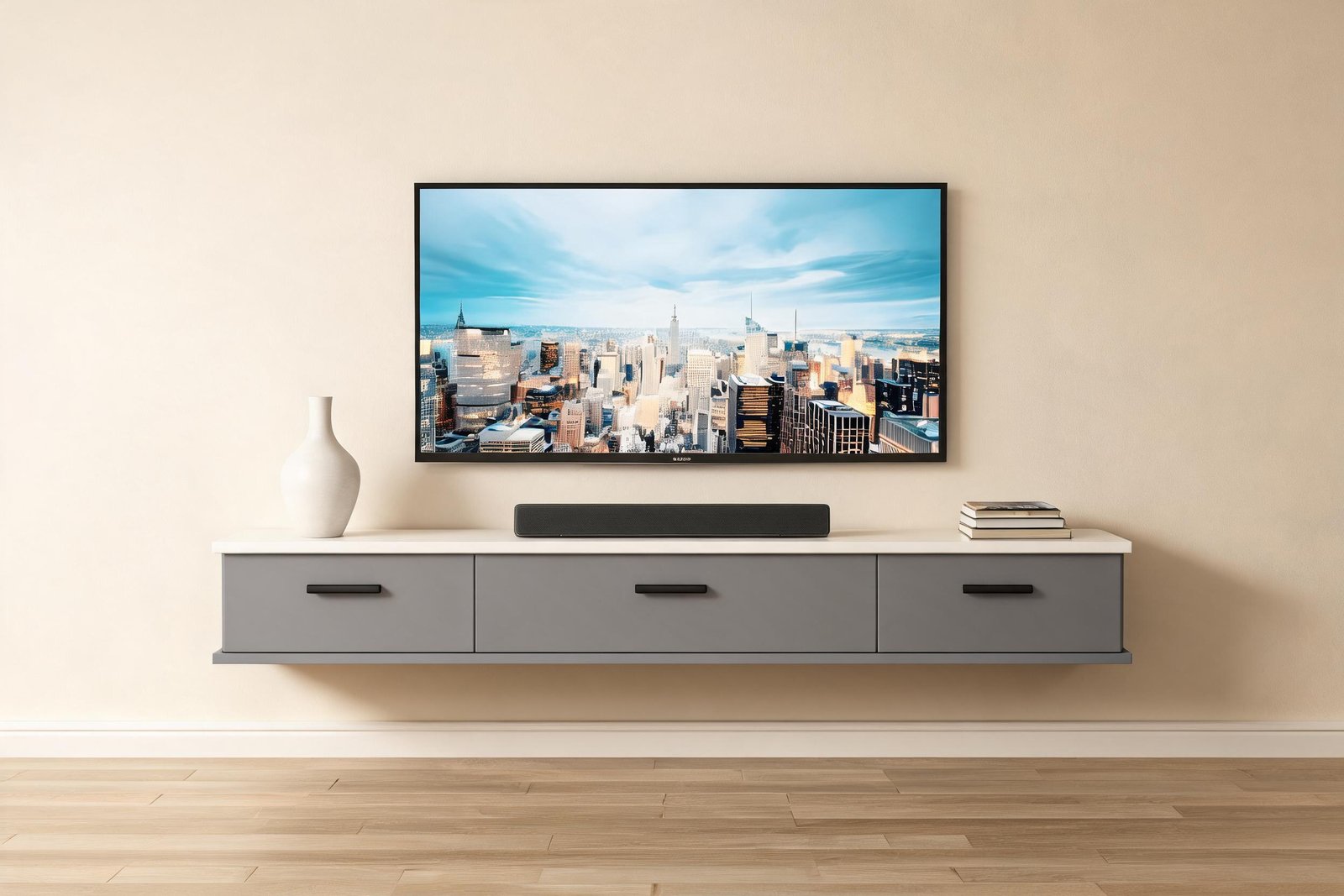
A floating media console also lifts the whole run off the floor, which is why I now treat it as furniture rather than an accessory. Our Floating Grey Media Console (see price and details here) is the version I would choose for a cable-heavy living room. It is a 71 inch wall-mounted unit with a 22 cm deep body and a 23 cm deep cabinet, which is enough clearance for a receiver, a router and a power strip behind the closed doors. The top panel has that round cable grommet I mentioned, so a single hole serves the TV lead, the HDMI and the soundbar. Three flap doors close flush on buffer hinges, the surface is a matte grey laminate that does not show every fingerprint, and the panel used is E0 grade with low formaldehyde emissions. Finishes are grey, grey with a white top, and full white, and because it hangs on the wall rather than standing on it, the floor under the unit stays clear.
If you would rather see your gear, or you want the media wall to feel more like furniture than a floating block, shop the floating glass door TV stand with LED lighting here. Glass doors keep dust off a games console and hide the same mess behind a clean reflection.
Both are wall-mounted, and neither needs a cable hole cut in the wall. That is why, when friends ask me how to hide tv cables when wall mounted, I point them at furniture before I mention raceways. A floating media console with one grommet and three closed doors does more for a messy wall than any clever cable gadget I have bought.
What I would do in a rental apartment
If I were starting over in a rented flat tomorrow, this is the sequence, in order. It is also the shortest path I know to how to hide TV cables when you cannot touch the wall.
- Measure from the floor to your eye level while sitting on the sofa. That number, not a fixed rule, tells you where the screen centre belongs.
- Find the outlet, then decide the cable path before you buy anything. That single step prevents most of the mistakes below.
- Choose the path that needs no repair: raceway or a wall-mounted console.
- Mount into studs or use toggle bolts rated above the combined weight of the mount and the TV. Drywall plugs alone are a gamble, and I have lost that gamble once already.
- Route cable, close doors, test everything, and only then tidy.
- Keep the spare screws somewhere you will find them. You will move the TV again.
The anchor point is where most wall-mounted setups fail, and it almost never has anything to do with the console. Measured properly, how to hide TV cables takes two hours and holds for five years. A $226 console held by the wrong fixings will pull out of drywall. The same console on toggle bolts into drywall with a stud at one end has lasted me five years without a millimetre of movement.
The mistakes that cost me an afternoon each
- Buying a 3 m HDMI lead for a 1.2 m run. Extra length has to live somewhere, and it always looks like a mistake.
- Routing cables before testing the setup. You will redo it, usually on a day you planned to do something else.
- Using zip ties, then swapping the streaming box six weeks later.
- Forgetting the soundbar power brick when measuring clearance inside the cabinet.
- Running power and signal in one tight bundle for the full length of the wall.
- Mounting the console before checking that the remote still has a line of sight to the box inside a closed door.
Every one of these is a small failure in how to hide TV cables, and each one cost me an afternoon to put right. Most of the gadgets I bought to improve tv console cable management ended up in a drawer within a year. The free options did the work.
Frequently asked questions
Can you hide TV cables if there is no outlet behind the TV?
Yes. You cannot create power from nothing, so run one lead down to the nearest existing outlet. A raceway or a wall-mounted console hides that single vertical run and keeps the rest of the cables inside the unit, which is how most rentals end up looking clean. This is the practical version of how to hide tv cables when there is no outlet behind the screen.
Do in-wall cable kits work on brick or concrete walls?
Not the same way. A kit that hides cable inside a stud cavity has nothing to work with in solid masonry, because there is no cavity. On brick and concrete, surface raceway painted to match the wall is the practical answer, and it is reversible if you move.
Will a wall-mounted media console hold a soundbar?
Most do, including our floating media console, which has enough top depth for a compact bar. Check the footprint before buying, and remember that soundbar placement matters more than the console: it should sit near ear height when you are seated, or just below the bottom edge of the screen.
Is it safe to put an extension cord inside a wall?
No. Standard extension cords are not rated for in-wall use. Use an in-wall rated cable, a recessed outlet kit, or keep the run external inside a raceway or a closed cabinet. Heat builds up where you cannot see it, and that is exactly where you do not want a cheap lead.
Do you need special cables to hide TV cables?
No, but length matters more than brand. Buy the shortest HDMI and power leads that reach comfortably, and consider a flat HDMI lead for tight wall gaps. Extra length has to live somewhere, and how to hide TV cables gets noticeably harder when three metres of slack has nowhere to go.
How long does the whole job take?
Two to three hours for a wall-mounted TV with a console, including the trip to the hardware shop. An in-wall kit in a plasterboard wall adds another hour if you are learning as you go. Nothing about how to hide TV cables is hard once the order is right, and most of my own wasted hours came from doing step five before step four. Testing first, tidying second, always.
Cutting the wall or not matters less than picking one path and finishing it. How to hide TV cables stops being a puzzle once the outlet, the path and the anchor are all decided in that order. If you would rather solve it with furniture, see the Floating Grey Media Console price and details here, or browse the full TV stand collection for wall-mounted and floor-standing options side by side.
